
Ubuntu 26.10: First steps with desktop AI
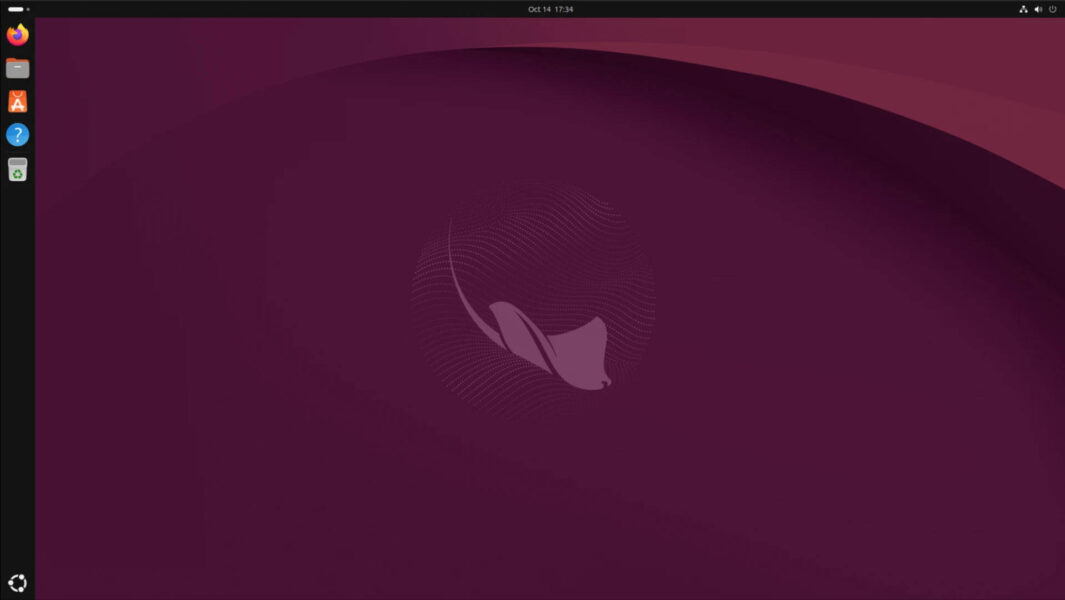
While Ubuntu’s last development cycle, culminating in the LTS version 26.04, released in April 2026, was primarily based on a renovation of the system’s foundations, the next two years – surprise! – are mainly about artificial intelligence. The first step is Myna, a voice input tool developed by the Ubuntu company Canonical itself, which runs locally and protects privacy, since no cloud connection is required. However, Myna is not preinstalled in Ubuntu 26.10, code name „Stonking Stingray“. It has to be added manually and is regarded as “technology preview” to convert speech to text.
How to install and use Myna
Myna is (not) yet included into the official Ubuntu repositories, but has to be installed using a PPA (personal package archive) of the Ubuntu Desktop Team:
sudo add-apt-repository ppa:canonical-desktop-team/myna
sudo apt install myna-config
After successful installation, a hotkey can be set via the system settings. This allows you to activate speech recognition in each text field.
Condition for using Mina is a standard Ubuntu desktop with GNOME on Wayland. Hardware acceleration has so far only been implemented for Nvidia graphics cards.
The PPA also includes Myna backports for Ubuntu 24.04 LTS and Ubuntu 26.04 LTS.
Brand new kernel, even more Rust utilities
The new version of Ubuntu is at the cutting edge, not only in terms of AI but also when it comes to the kernel. It ships with a release candidate of Linux 7.3, because the final release of the kernel is scheduled for after the Ubuntu release.
The transition of the underlying infrastructure from traditional GNU code utilities to modern Rust-based versions, which began in the previous release cycle, has been completed with Ubuntu 26.10. The command line tools cp, mv, and rm – which had previously been omitted due to compatibility issues – are now also written in Rust.
The Gnome desktop has been updated to version 51. There are improvements in accessibility and in remote desktop connections. Proprietary drivers and media codecs can now be installed via Ubuntu’s App Center. Additional new features for the desktop and server versions of Ubuntu are listed in the release notes.
Should you upgrade to 26.10?
Anyone upgrading from Ubuntu 26.04 to Ubuntu 26.10 should be aware that, unlike the previous LTS version, the new version will only be supported for nine months. The next upgrade in six months—when Ubuntu 27.04 is scheduled to be released—is therefore mandatory. Those who prioritize stability will better stick with 26.04 (speech recognition can still be added). Anyone who prefers to stay up to date should proceed with the update:
sudo do-release-upgradeCode language: JavaScript (javascript)